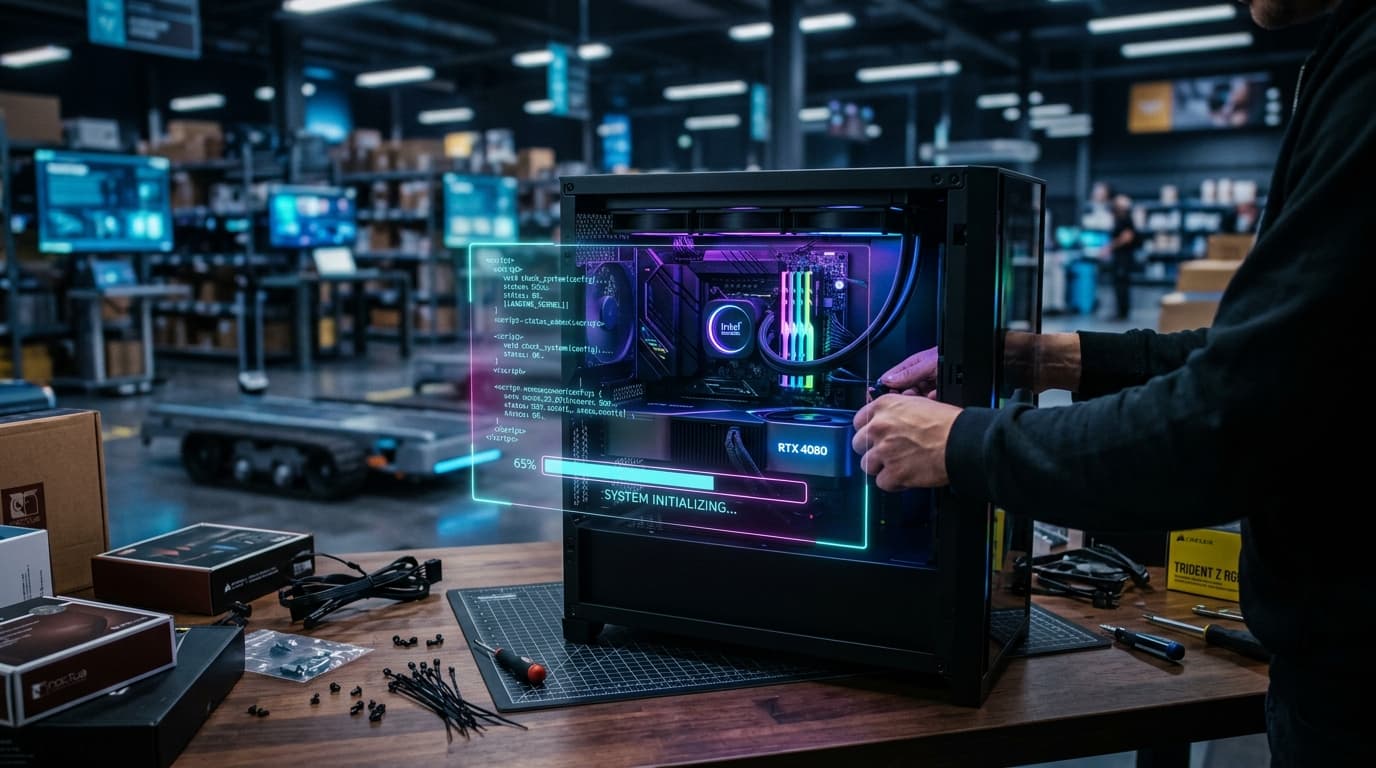
Yes, a PC builder app can significantly affect your Shopify store's speed, primarily due to added JavaScript, CSS, server requests, and complex rendering processes. While these apps enhance user experience by offering customization, their resource demands can increase page load times. Optimizing the app's code, images, and server interactions is crucial to mitigate negative impacts and maintain a fast, responsive e-commerce environment.
How Do PC Builder Apps Impact Shopify Store Speed?
PC builder apps, while incredibly useful for customer engagement and product customization, introduce additional layers of complexity to your Shopify store. They typically rely heavily on JavaScript to provide dynamic interactions, real-time component compatibility checks, and visual updates as users configure their systems.
This added code, along with potential API calls to fetch component data or pricing, increases the resources your browser needs to download, parse, and execute. The more complex the app, the greater the potential for increased page load times and a slower user experience.
What Specific Factors Contribute to Slowdowns?
Several technical elements within a PC builder app can collectively degrade your Shopify store's performance. Understanding these factors is the first step toward effective optimization.
- Heavy JavaScript & CSS Files: Large, unoptimized script and style sheets can block the rendering of your page, making it appear blank or slow to load.
- Numerous API Requests: Each time the app fetches data for components, compatibility, or pricing, it makes a request to a server. Too many or inefficient requests can create bottlenecks.
- Unoptimized Images/3D Models: If the app displays high-resolution images or 3D models of components without proper compression or lazy loading, it significantly increases page weight.
- Server-Side Processing: Some complex compatibility logic or pricing calculations might occur on the app's server, adding latency before results are displayed.
- Third-Party Dependencies: Apps often rely on external libraries or services, which can introduce their own performance overheads and potential points of failure.
Why is Shopify Store Speed So Important?
In today's digital landscape, speed isn't just a luxury; it's a fundamental expectation. A fast-loading Shopify store is crucial for several reasons that directly impact your bottom line.
Firstly, user experience is paramount. Studies consistently show that users abandon websites that take too long to load, leading to higher bounce rates and lost sales opportunities. A smooth, responsive experience keeps customers engaged and encourages them to complete their purchases.
Secondly, search engine optimization (SEO) heavily favors fast websites. Google, in particular, uses page speed as a ranking factor, especially with its Core Web Vitals metrics. A slow site can negatively impact your visibility in search results, making it harder for potential customers to find you.
Finally, faster load times directly correlate with higher conversion rates. Every second shaved off your page load time can translate into a measurable increase in sales, as customers are less likely to get frustrated and leave before converting.
How Can You Measure Your Shopify Store's Speed?
Before you can optimize, you need to measure. Several free and powerful tools can help you assess your Shopify store's current performance and identify areas for improvement. These tools provide insights into key metrics that reflect real-world user experience.
Google PageSpeed Insights is an excellent starting point, offering both lab data and field data (real user experiences) for your site. GTmetrix and WebPageTest provide more detailed waterfall charts and recommendations, helping you pinpoint specific resources causing slowdowns. Understanding the metrics these tools report is key to effective optimization.
MetricDescriptionImpact on User ExperienceLargest Contentful Paint (LCP)Measures loading performance. The time it takes for the largest content element to become visible.Slow LCP leads to perceived slowness and frustration.First Input Delay (FID)Measures interactivity. The time from when a user first interacts with a page to when the browser is actually able to respond to that interaction.High FID means a laggy, unresponsive page.Cumulative Layout Shift (CLS)Measures visual stability. The unexpected shifting of visual page content.Annoying shifts can lead to misclicks and a poor experience.Time to Interactive (TTI)Measures how long it takes for a page to become fully interactive.A high TTI means users can see content but can't interact with it.Total Blocking Time (TBT)Measures the total amount of time that a page is blocked from responding to user input.Directly impacts FID and overall responsiveness.
Strategies to Optimize Shopify Store Speed with a PC Builder App
Optimizing your Shopify store with a PC builder app requires a two-pronged approach: addressing the app's specific performance characteristics and implementing general Shopify speed best practices.
App-Specific Optimizations
When dealing with a PC builder app, focus on its unique demands. Choosing an app that is inherently lightweight and well-coded is crucial from the outset. If you already have an app, look for settings that allow for performance tweaks.
- Choose a Lightweight App: Prioritize apps known for their performance and efficient code. Read reviews and check their demo stores for speed.
- Lazy Loading: Ensure the app implements lazy loading for images and components that are not immediately visible. This defers loading until they are needed.
- Code Minification & Compression: Work with the app developer or use Shopify tools to ensure the app's JavaScript and CSS are minified and compressed to reduce file sizes.
- Caching: Leverage browser caching for static assets used by the app. This reduces the need to re-download resources on subsequent visits.
General Shopify Optimizations
Beyond the app itself, your overall Shopify store setup plays a significant role in performance. These general optimizations will benefit your entire site, including pages with the PC builder app.
- Image Optimization: Compress all product images and ensure they are served in modern formats like WebP. Use responsive images to serve appropriate sizes for different devices.
- Theme Optimization: Use a fast, well-coded Shopify theme. Avoid themes with excessive features you don't use, as they can introduce unnecessary code.
- Remove Unused Apps: Every installed app adds code. Regularly audit and uninstall any apps you no longer need to reduce code bloat.
- CDN Usage: Shopify automatically uses a Content Delivery Network (CDN), but ensure your app's assets are also served efficiently through a CDN if applicable.
- Server Response Time: While Shopify manages the server, optimizing your theme and app choices directly impacts how quickly the server can respond to requests.
What are the Best Practices for Integrating a PC Builder App?
Successful integration of a PC builder app goes beyond just installation. Thoughtful planning and ongoing management are essential to maintain optimal store speed and user experience.
Always test the app thoroughly in a development or staging environment before deploying it to your live store. This allows you to identify and address any performance issues without impacting your customers. Pay close attention to page load times on both desktop and mobile devices.
Continuously monitor your store's speed using the tools mentioned earlier. Performance can degrade over time due to new content, app updates, or theme changes. Prioritize essential features within the app; sometimes, less is more when it comes to performance. If issues persist, collaborate closely with the app's developers to find solutions and optimizations.
The Trade-Off: Functionality vs. Performance
It's important to acknowledge that there's often a trade-off between offering rich, interactive functionality and maintaining lightning-fast performance. A highly customizable PC builder app inherently requires more resources than a static product page.
The goal is not to eliminate all impact but to find the optimal balance. Focus on delivering the most valuable features to your customers in the most efficient way possible. A slightly longer load time might be acceptable if the app provides an unparalleled user experience that significantly boosts conversions and customer satisfaction.
Frequently Asked Questions
Can I use a PC builder app without slowing down my Shopify store?
Yes, it is possible to use a PC builder app without severely impacting your Shopify store's speed by carefully selecting a well-optimized app, implementing lazy loading, compressing assets, and regularly monitoring performance. Strategic optimization is key.
What are the key indicators that my PC builder app is affecting speed?
Key indicators include increased page load times, poor scores on Google PageSpeed Insights (especially for LCP and TBT), high bounce rates on product pages with the app, and a noticeable delay in interactivity after the page appears to load.
Should I prioritize app features or store speed?
You should prioritize a balance between the two. Essential features that significantly enhance user experience and drive conversions should be retained, but always with an eye towards optimizing their performance impact. A feature-rich but slow site will deter users.
Are there specific PC builder apps known for better performance?
Performance can vary greatly between apps and updates. It's recommended to research current reviews, check app demo stores with speed testing tools, and inquire directly with developers about their performance optimization strategies before making a choice.
How often should I audit my Shopify store's speed?
Regularly auditing your Shopify store's speed is crucial. Aim for at least a monthly check, and always perform a speed audit after installing new apps, updating your theme, or making significant changes to your product pages or content.