The Challenge of Endless PC Build Variants
Selling custom-built PCs can be a rewarding venture, but it often comes with a significant challenge: managing an overwhelming number of component combinations and product variants. This complexity can lead to inventory nightmares, increased operational costs, and a confusing customer experience that ultimately hinders sales.
Many businesses find themselves creating thousands of unique product SKUs to cater to every possible customer preference. However, this approach often backfires, making it difficult for customers to make a decision and for businesses to maintain efficient operations.
Quick Summary: To sell complete PC builds without thousands of variants, businesses should implement a tiered "Good, Better, Best" system, focus on core use cases like gaming or workstation, and offer curated component selections. This approach reduces inventory complexity, streamlines the sales process, and enhances customer decision-making by providing clear, optimized choices rather than overwhelming options.
Why Do Too Many PC Build Variants Hurt Your Business?
While offering extensive choice seems beneficial, an excessive number of PC build variants can introduce significant friction for both your business and your customers. Understanding these drawbacks is the first step toward a more streamlined strategy.
How does inventory bloat impact profitability?
Maintaining a vast array of components for thousands of potential PC builds ties up significant capital in inventory. This leads to increased storage costs, higher risk of component obsolescence, and potential write-offs for slow-moving stock. Businesses often struggle with forecasting demand for niche configurations, resulting in either overstocking or missed sales opportunities.
What effect does choice overload have on customers?
When presented with too many options, customers often experience "analysis paralysis." They become overwhelmed by the sheer volume of choices, making it difficult to compare products and confidently make a purchase decision. This can lead to frustration, abandonment of shopping carts, and a perception of complexity rather than flexibility.
What Strategies Can Simplify Your PC Build Offerings?
The key to selling complete PC builds efficiently lies in strategic simplification. By curating your offerings, you can provide ample choice without the operational burden of endless variants.
Implementing a Tiered System: Good, Better, Best
One of the most effective strategies is to categorize your PC builds into distinct performance tiers, often labeled as "Good," "Better," and "Best." Each tier represents a specific performance bracket and price point, making it easy for customers to understand the value proposition.
This approach allows you to pre-select optimized component combinations for each tier, ensuring compatibility and balanced performance. Customers can quickly identify the tier that aligns with their budget and performance expectations, simplifying their decision-making process.
Tier LevelTarget User / Use CaseKey Components & PerformanceCustomization ScopeGood (Entry-Level)Casual Gaming, Office Work, Everyday UseIntegrated Graphics or Entry GPU, Mid-Range CPU, 8-16GB RAM, SSDLimited upgrades (RAM, Storage)Better (Mid-Range)Serious Gaming (1080p/1440p), Content Creation, ProductivityMid-High Tier GPU, Performance CPU, 16-32GB RAM, NVMe SSDModerate upgrades (GPU, CPU, Storage, Cooling)Best (High-End)Competitive Gaming (1440p/4K), Professional Workstations, StreamingHigh-End GPU, Top-Tier CPU, 32-64GB RAM, Multiple NVMe SSDsExtensive upgrades (Liquid Cooling, High-Speed RAM, RAID)
Focusing on Core Use Cases: Gaming, Workstation, Everyday
Beyond performance tiers, consider structuring your offerings around specific user needs. For example, dedicated "Gaming PCs" will prioritize GPU power and high refresh rates, while "Workstation PCs" will focus on CPU cores, RAM capacity, and professional-grade components.
This use-case-driven approach resonates strongly with customers who know what they intend to do with their PC but might not understand individual component specifications. It frames the choice in terms of their actual needs, making the selection process intuitive.
Leveraging Modular Upgrades and Add-ons
Instead of creating entirely new variants for every minor change, offer a limited selection of modular upgrades or add-ons. This could include options for increased RAM, larger storage drives, or a specific Wi-Fi card. These are presented as clear, optional enhancements to a base configuration.
This strategy allows customers to personalize their chosen tier without forcing you to manage an entirely new SKU for each permutation. It provides flexibility where it matters most, without overcomplicating your inventory or sales funnel.
Curating Component Selection for Optimal Performance
Within each tier or use-case category, carefully select a limited set of compatible and high-performing components. For instance, instead of offering five different brands of a mid-range GPU, choose one or two that offer the best value and performance for that tier.
This curation ensures that every build you offer is balanced and performs as expected, enhancing customer satisfaction and reducing support issues. It also simplifies your procurement process and allows for better bulk purchasing power.
How Can You Communicate Simplified Choices Effectively?
Even with a simplified product line, clear communication is paramount. Your goal is to guide customers effortlessly to their ideal PC build.
Creating Clear Product Descriptions and Visuals
For each tiered or use-case specific build, provide concise, benefit-driven product descriptions. Highlight what the PC is best suited for, its key performance metrics, and why the chosen components deliver that experience. Use high-quality, consistent visuals that showcase the aesthetic and internal layout of the build.
Avoid jargon where possible, or explain it clearly. Emphasize the value and experience rather than just listing specifications. A customer buying a "Gaming PC" wants to know they can play their favorite titles smoothly, not just the clock speed of the CPU.
Utilizing a Guided Configuration Tool
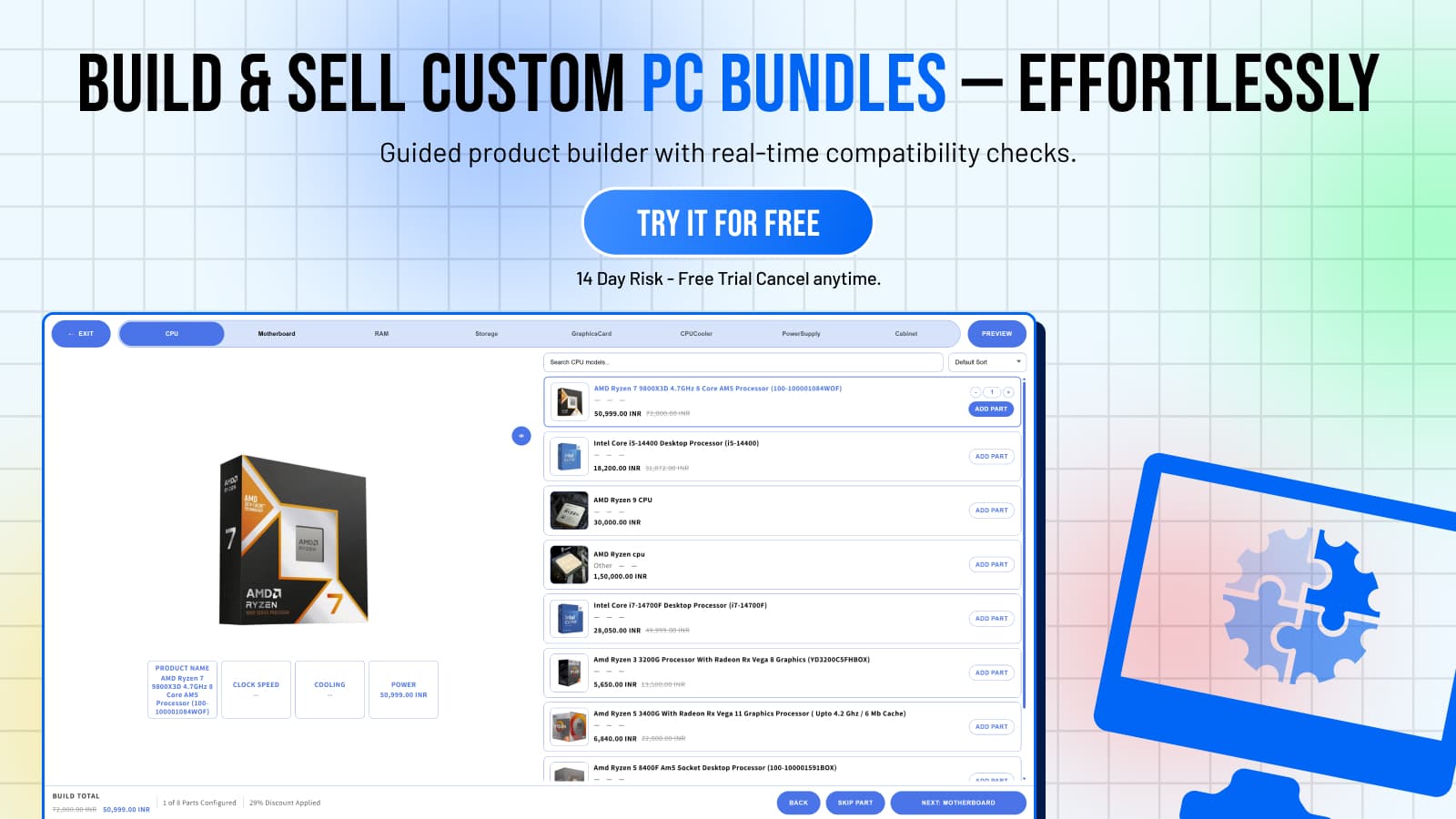
If you offer any level of customization, a user-friendly guided configuration tool can be invaluable. This tool should present choices logically, perhaps starting with the use case or tier, then offering limited, compatible upgrades. It should clearly show price changes as options are selected.
A well-designed configurator prevents customers from making incompatible choices and provides immediate feedback on how their selections impact the final price. This empowers them to customize within your defined parameters, without overwhelming them with an open-ended builder.
Frequently Asked Questions
How many PC build variants should I offer?
Aim for a manageable number, typically 3-5 core tiered or use-case specific builds. This allows for clear differentiation without overwhelming customers or your inventory system.
What is a "tiered" PC build system?
A tiered system categorizes PC builds into performance levels like "Good," "Better," and "Best," each with pre-selected, optimized components to suit different budgets and performance needs.
Can I still offer customization with fewer variants?
Yes, by offering a limited selection of modular upgrades (e.g., RAM, storage, specific peripherals) as add-ons to your core tiered builds, you provide personalization without creating thousands of unique SKUs.
How do I manage inventory for simplified PC builds?
With fewer core variants, you can focus on stocking a smaller range of high-demand components, improving forecasting accuracy, reducing carrying costs, and streamlining your procurement process.
What are the benefits of reducing PC build variants?
Reducing variants leads to clearer customer choices, faster decision-making, lower inventory costs, improved operational efficiency, and a more focused marketing strategy, ultimately boosting profitability.