The Hidden Cost of Incompatible PC Builds
If you sell PC components on Shopify, you've probably experienced this: a customer orders a CPU and motherboard, they arrive, and the socket doesn't match. Now you're handling a return, losing the sale, and spending 30 minutes on support.
Multiply that by dozens of orders per month and you're looking at a significant chunk of your revenue going to avoidable returns.
PC Builder MW's compatibility engine solves this at the source.
How PC Compatibility Works
PC components have specific requirements that must match:
| Component | Must Match With |
|---|---|
| CPU | Motherboard socket (AM4, AM5, LGA1700, etc.) |
| RAM | Motherboard memory type (DDR4 vs DDR5) |
| GPU | Case clearance, PSU wattage |
| CPU Cooler | CPU socket, case height clearance |
| Storage | Motherboard M.2 slots, SATA ports |
| PSU | Case form factor (ATX, SFX, etc.) |
A customer who doesn't know these rules will make mistakes. That's not their fault — but it becomes your problem.
How PC Builder MW's Compatibility Engine Works
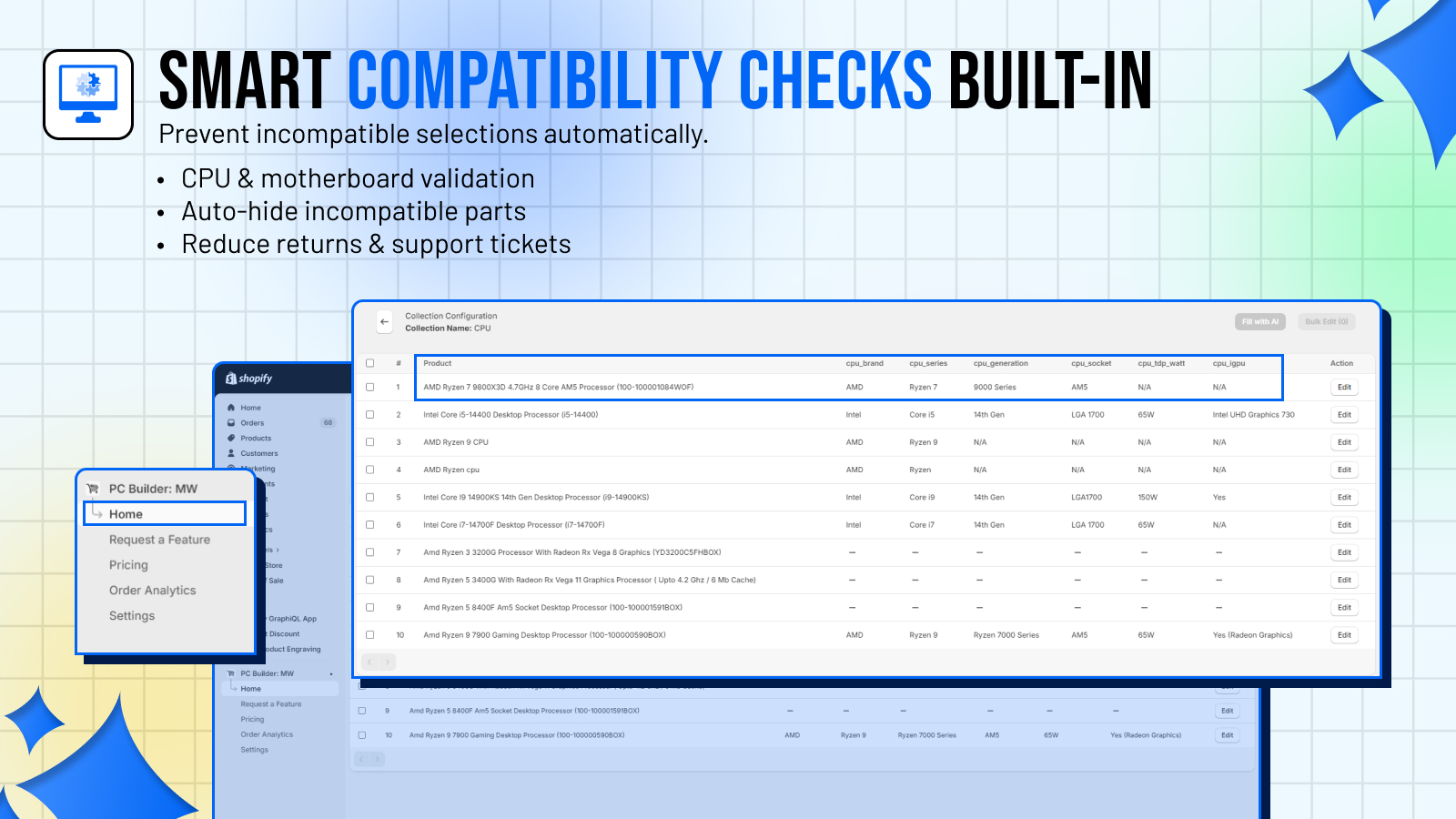
PC Builder MW lets you define compatibility rules between component categories. Rules are expressed as simple conditions:
- **Include rules**: "Only show these products when X is selected"
- **Exclude rules**: "Hide these products if Y is selected"
For example:
- When a customer selects an AMD Ryzen 7000 series CPU → only show AM5 motherboards
- When a customer selects a DDR5 motherboard → only show DDR5 RAM
- When a customer selects a full-tower case → show full and mid-tower compatible GPU options
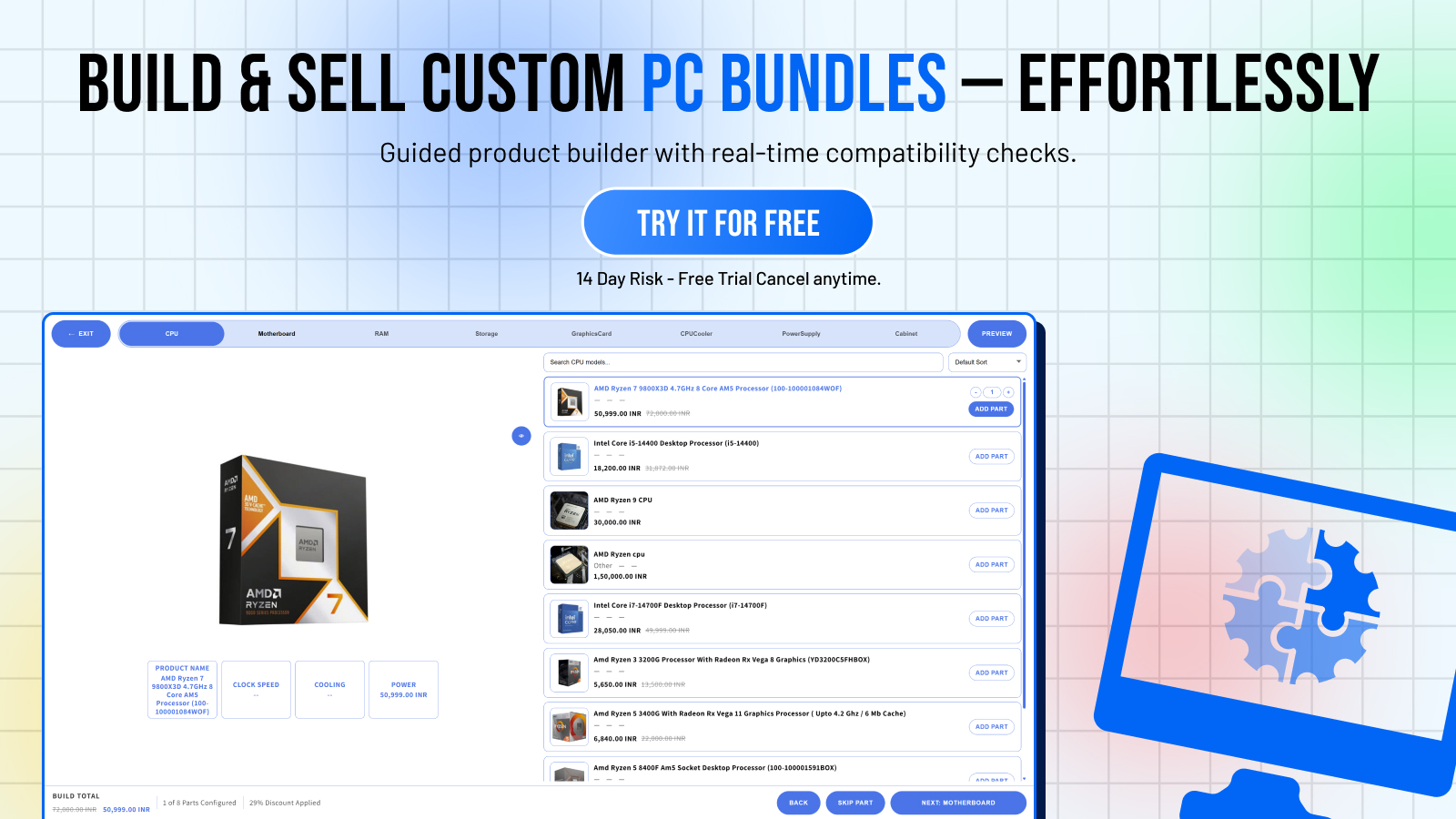
These rules run client-side in real-time. As soon as a customer picks a component, incompatible options in other categories are instantly greyed out or hidden — before they can add anything to cart.
Setting Up Compatibility Rules
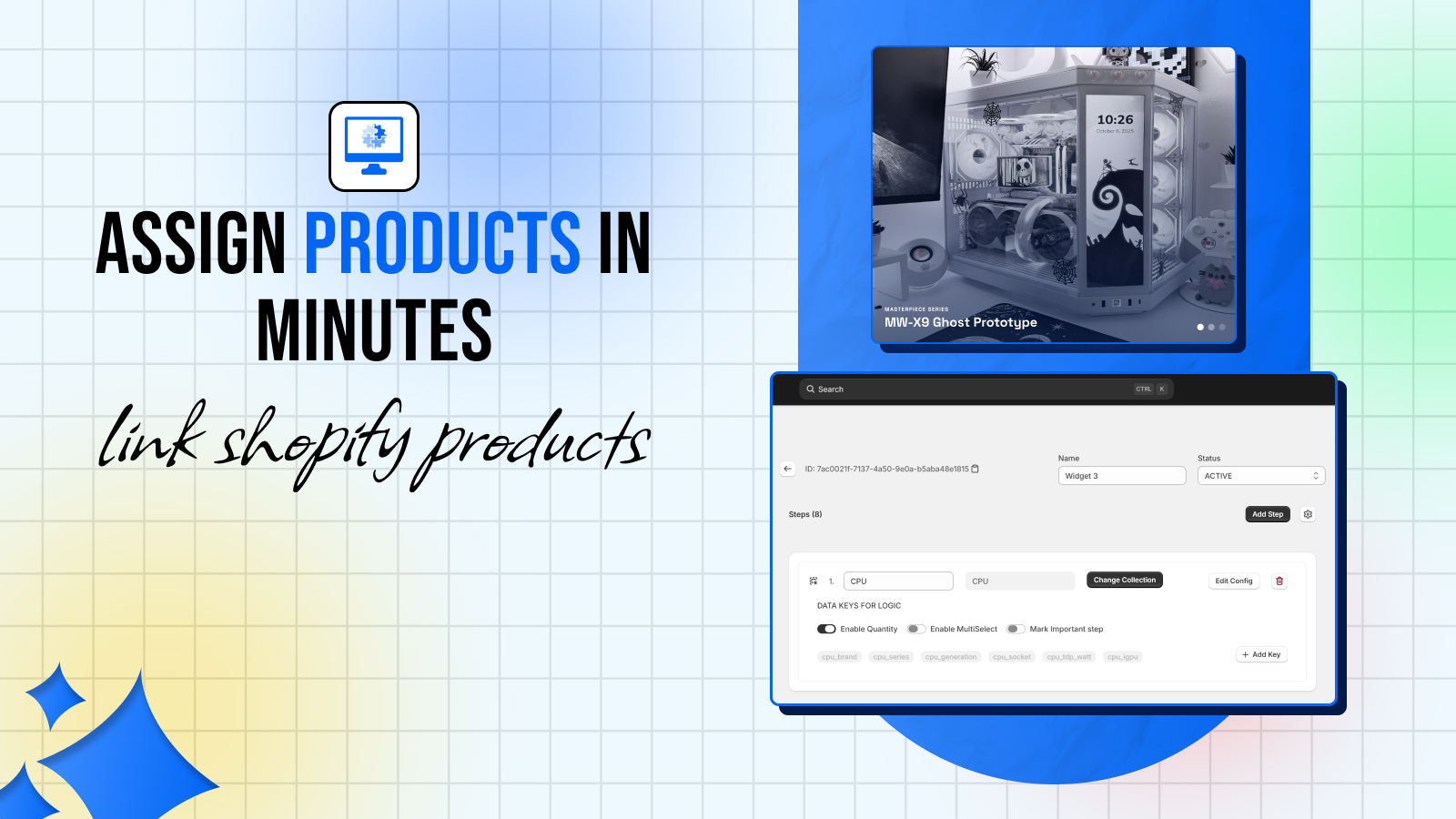
In the PC Builder MW admin, go to your widget and open the Compatibility tab.
- Select a **trigger step** (e.g., CPU)
- Select a **target step** (e.g., Motherboard)
- Define the rule type (Include / Exclude)
- Select which products trigger the rule and which products are affected
You can create as many rules as needed. For complex catalogs, you can import rules via CSV.
The Business Impact
Stores using PC Builder MW report:
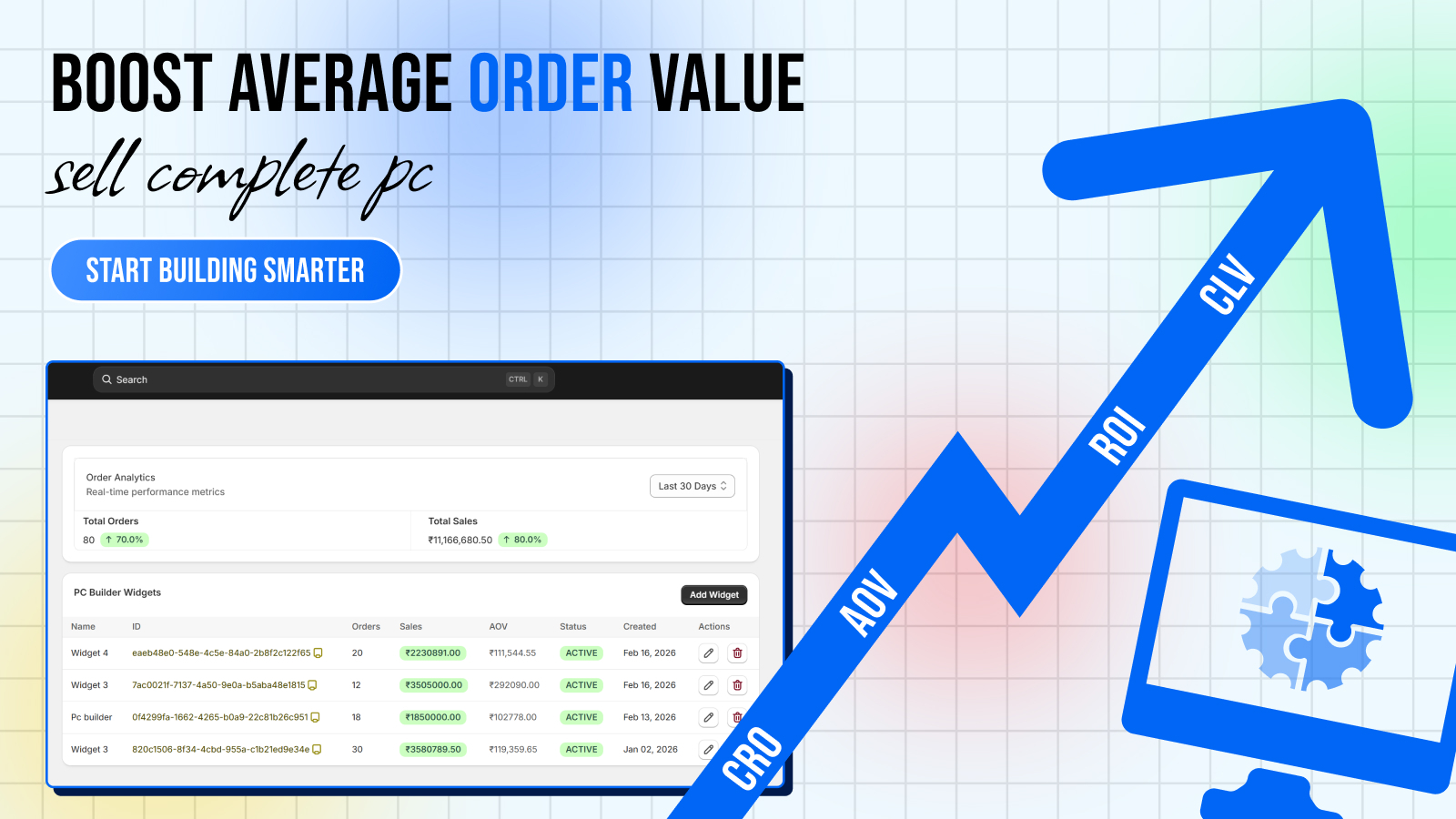
- **40% reduction in compatibility-related returns** — customers simply can't build an incompatible config
- **10+ fewer support tickets per week** — no more "will this CPU work with this board?" emails
- **Higher customer confidence** — the green "All parts compatible" indicator reassures buyers before checkout
Compatibility Is a Feature, Not Just a Safeguard
Beyond preventing mistakes, compatibility checking is actually a selling tool. When customers see that your store actively validates their build, it signals expertise and trustworthiness. You're not just selling parts — you're selling a guided experience.
This is the difference between a generic PC parts store and a destination where people come to build.
Getting Started
Ready to set up compatibility rules for your store? Install PC Builder MW and follow the setup guide.