From install to live in minutes
PC Builder MW is designed for merchants — no developers, no code, no complexity. Follow these steps and your configurator will be live before your next coffee.
Install from Shopify App Store
One click install. Approve the permissions and PC Builder MW appears in your Shopify sidebar under Apps. No developer needed, no code to write.
- Approved by Shopify — no custom code review needed
- Works with all Shopify themes out of the box
- Available in any country where Shopify operates
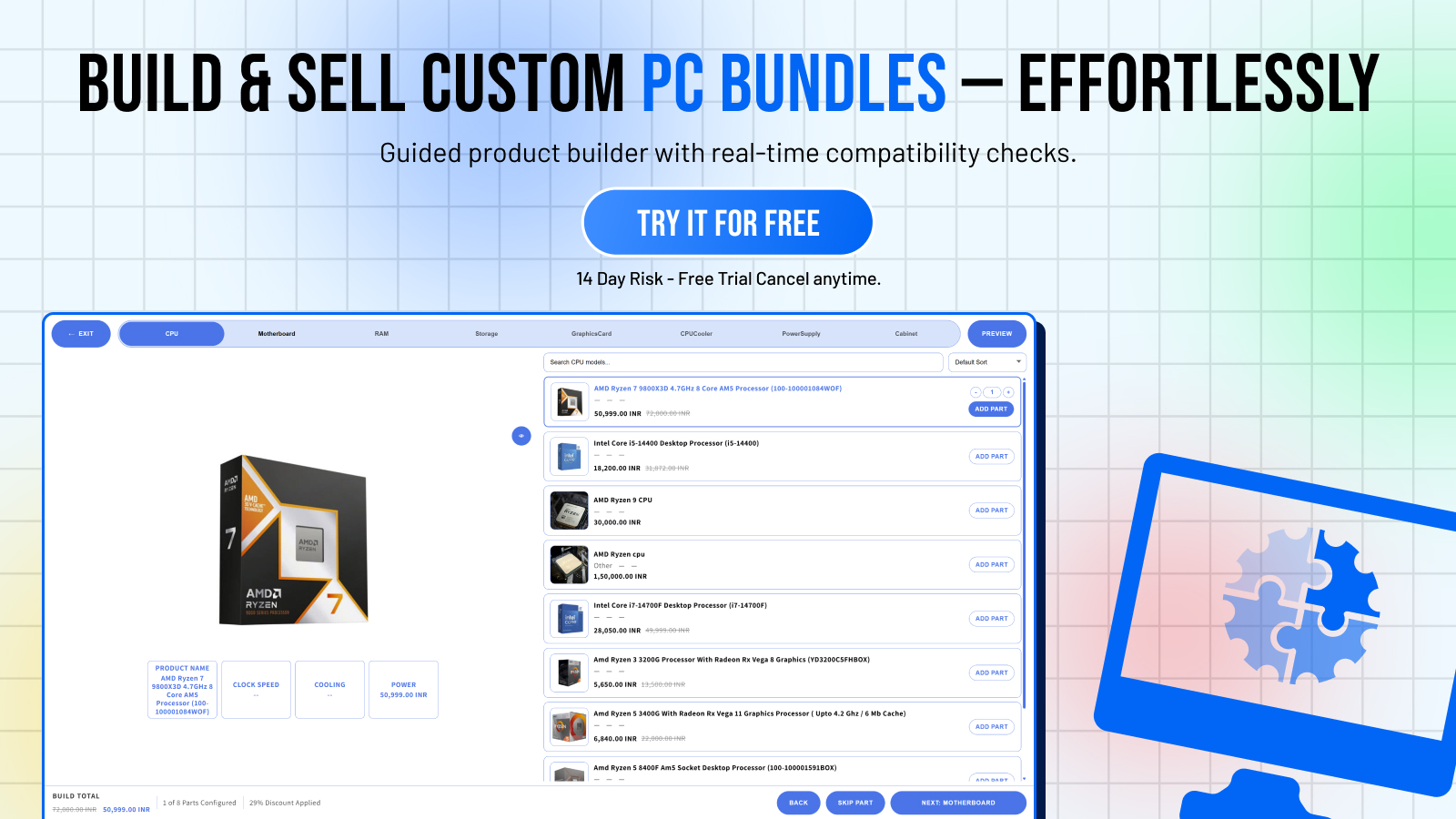
Create Your First Widget
Open PC Builder MW and click "Add Widget." Name it (e.g. "Gaming PC Builder"), set your currency, and define the steps for each component category.
- Multiple widgets — create different builders for gaming, workstation, budget
- Fully customizable step names and order
- Set required vs. optional component steps
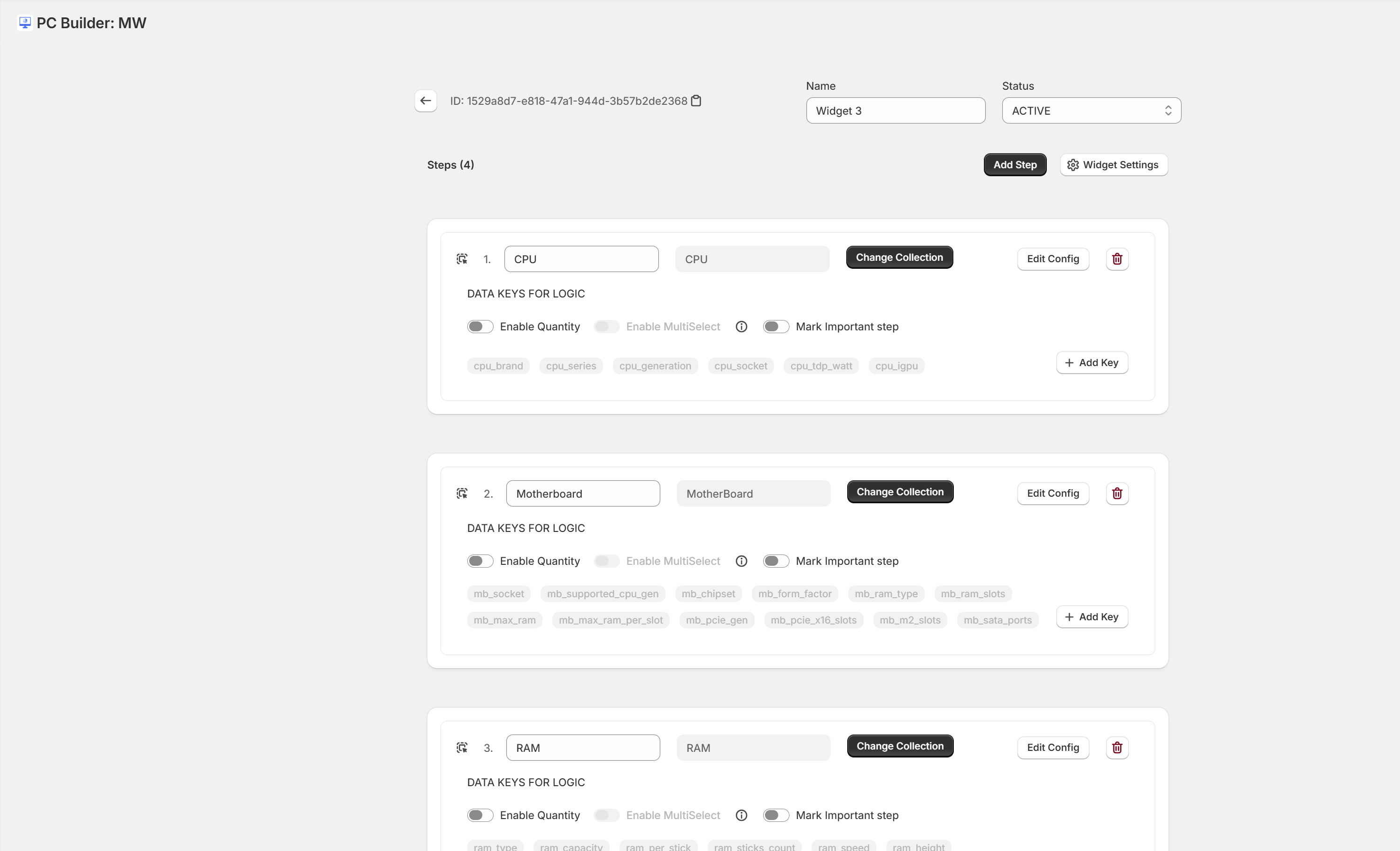
Configure Your Component Steps
Each step in the builder represents a component category. Add a step for CPU, motherboard, RAM, GPU, case, PSU, cooling — or whatever your catalog includes.
- Drag-and-drop step reordering
- Custom step names and icons
- Preview how each step looks to customers
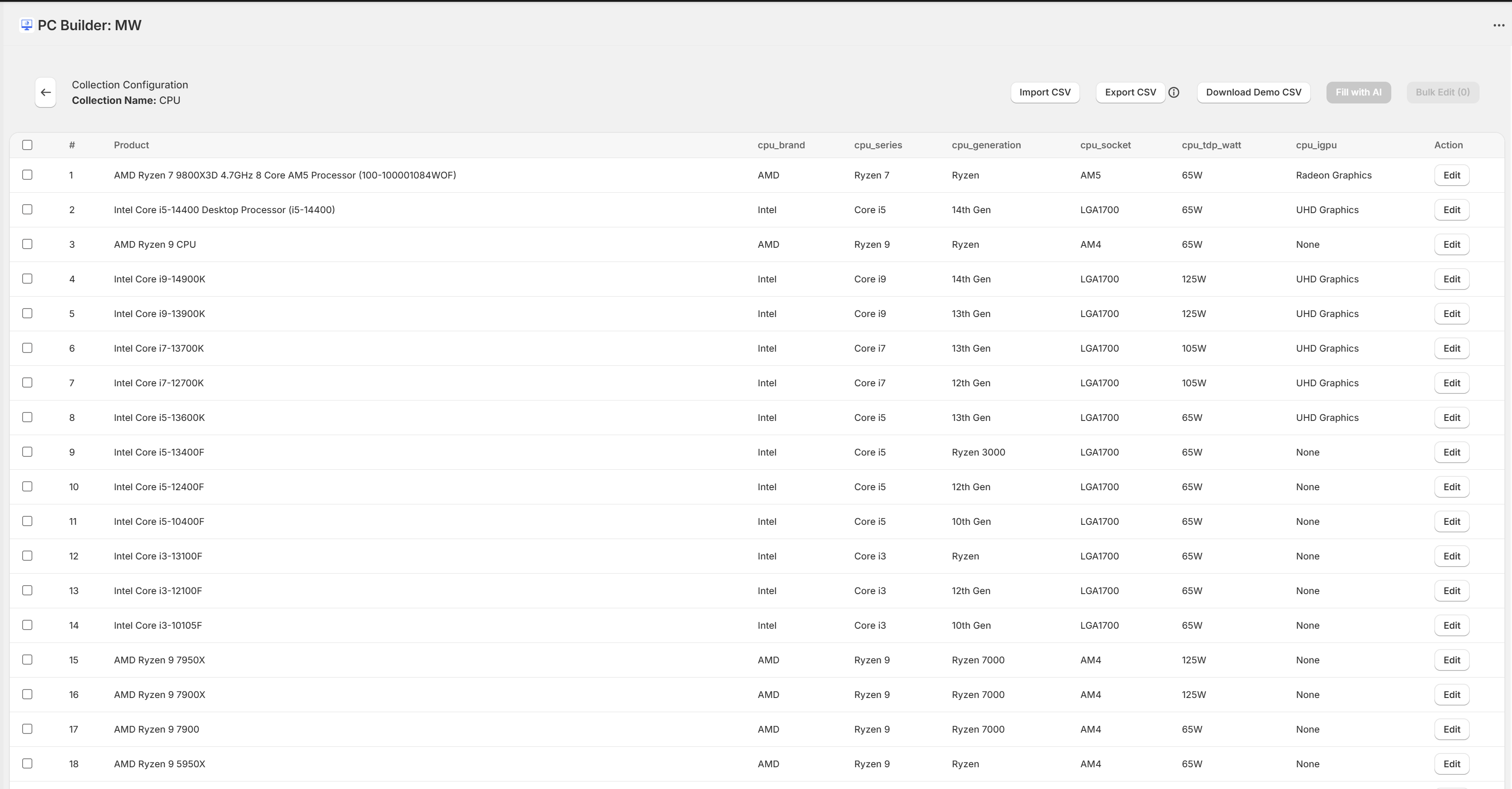
Assign Products to Each Step
For each step, assign the Shopify products that belong there. Products sync automatically — stock levels, prices, and availability stay up-to-date.
- Search and assign products directly from your Shopify catalog
- Bulk assign via CSV import for large catalogs
- Use AI fill to automatically suggest products per category
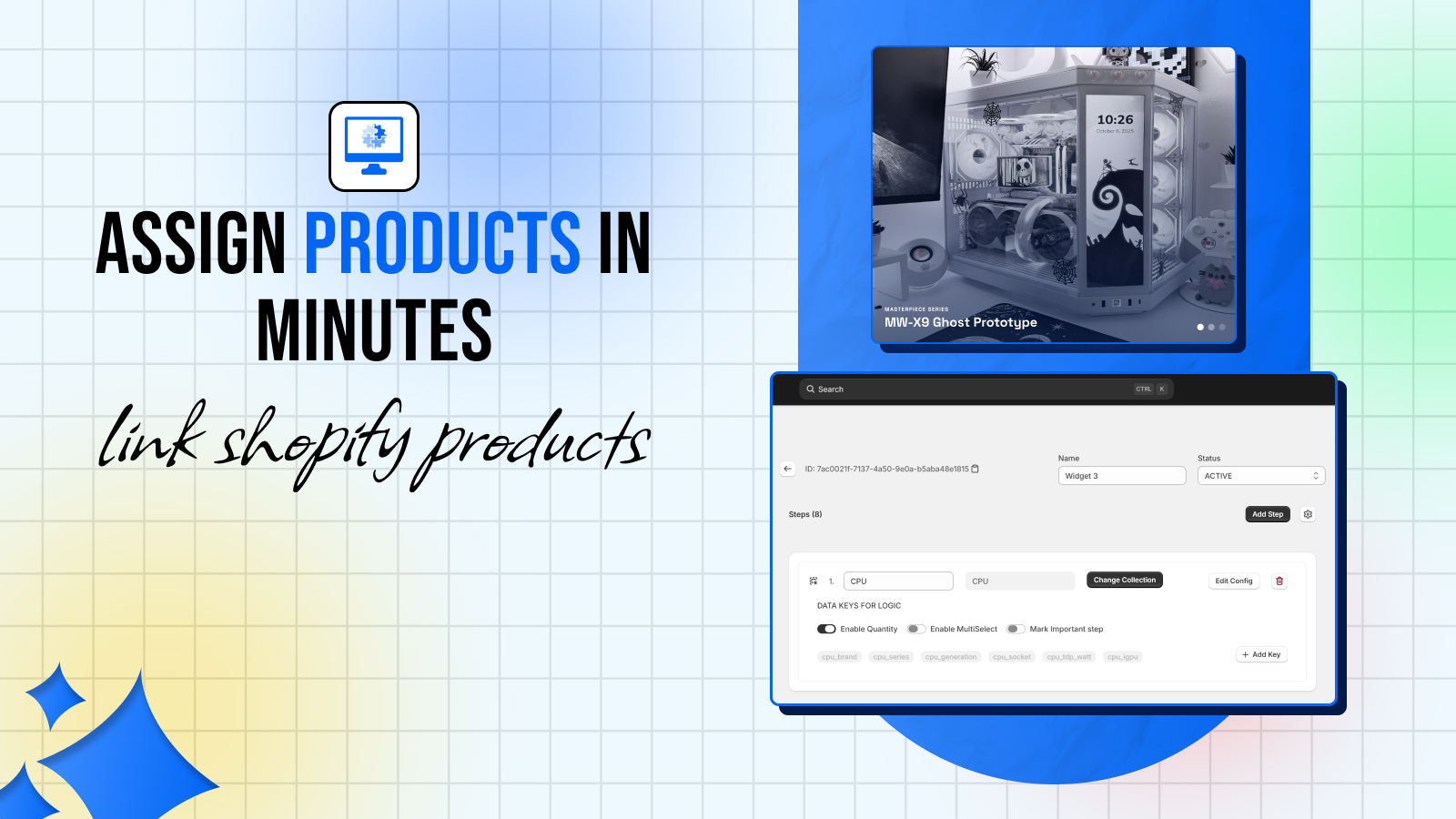
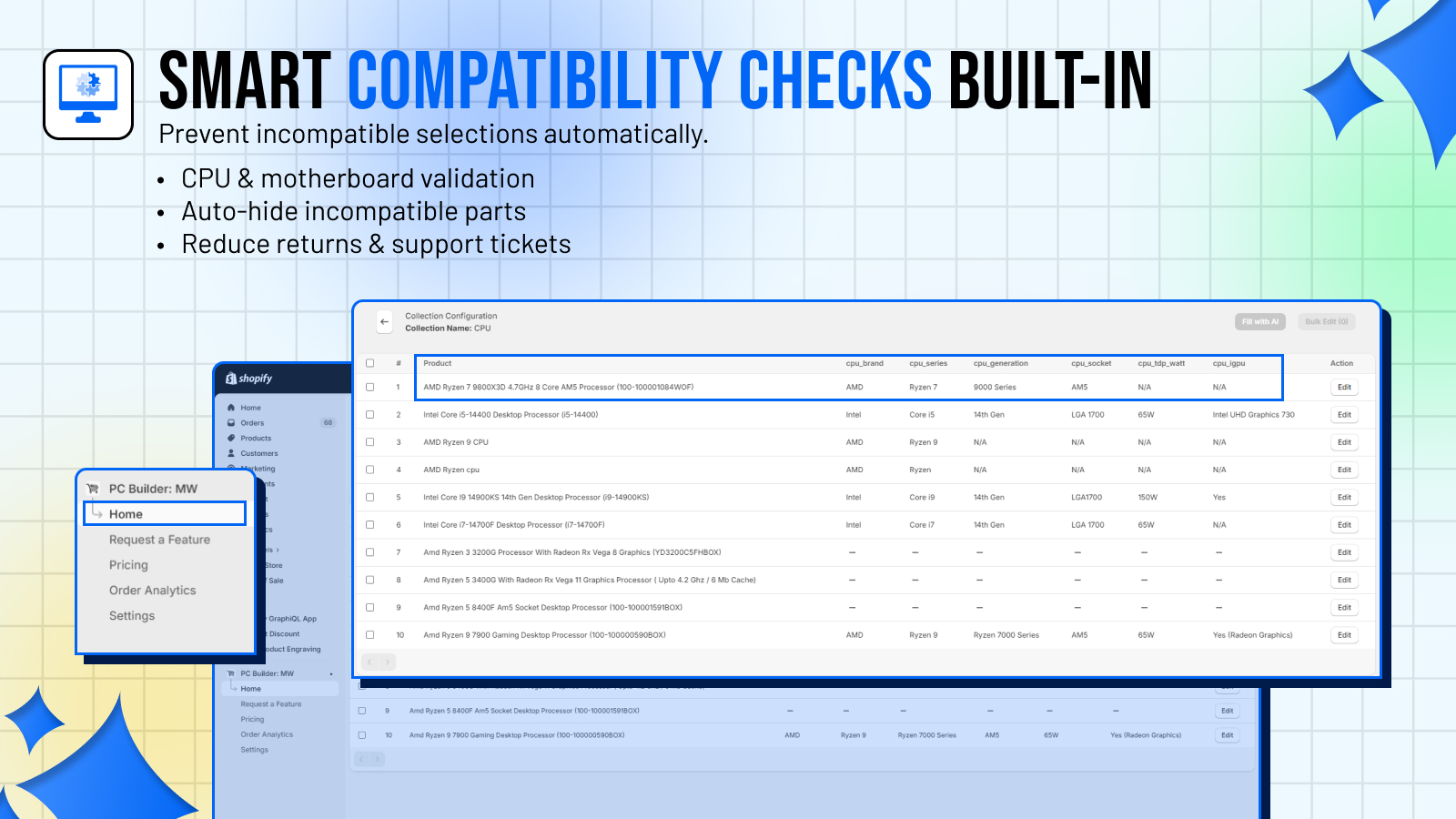
Set Up Compatibility Rules
Define which components work together. When a customer picks an incompatible combination, they see a clear warning before checkout — preventing returns.
- Visual rule builder — no coding or formulas
- Include rules: "Only show these with that"
- Exclude rules: "Hide these when that is selected"
- Import rules in bulk via CSV
Customize the Look
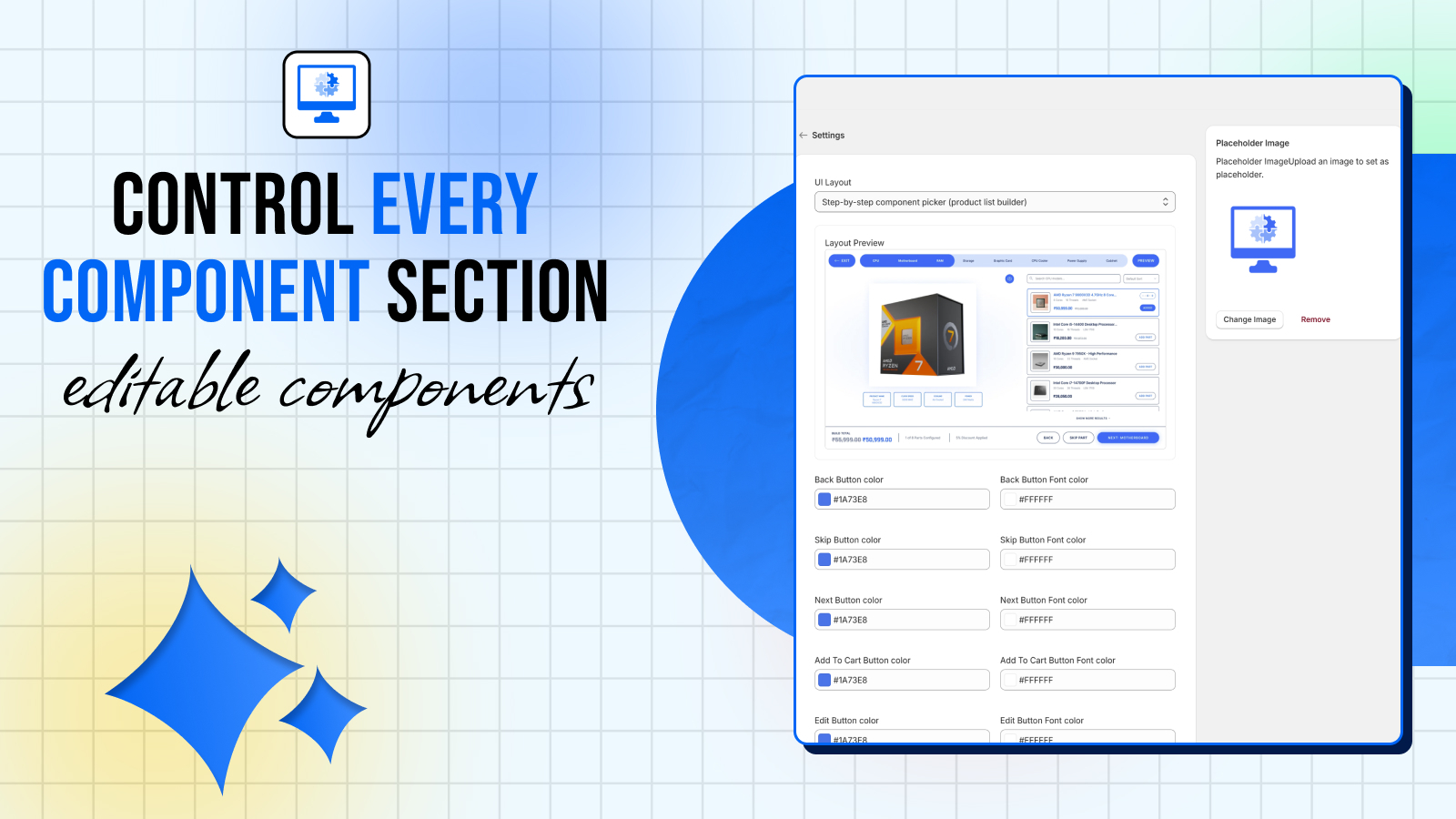
Match the builder to your brand. Adjust colors, fonts, and layout to fit seamlessly into your store. Deep customization available for advanced users.
- Works with any Shopify theme — Dawn, Debut, custom themes
- Color and typography controls
- Mobile-responsive by default
Embed on Your Store
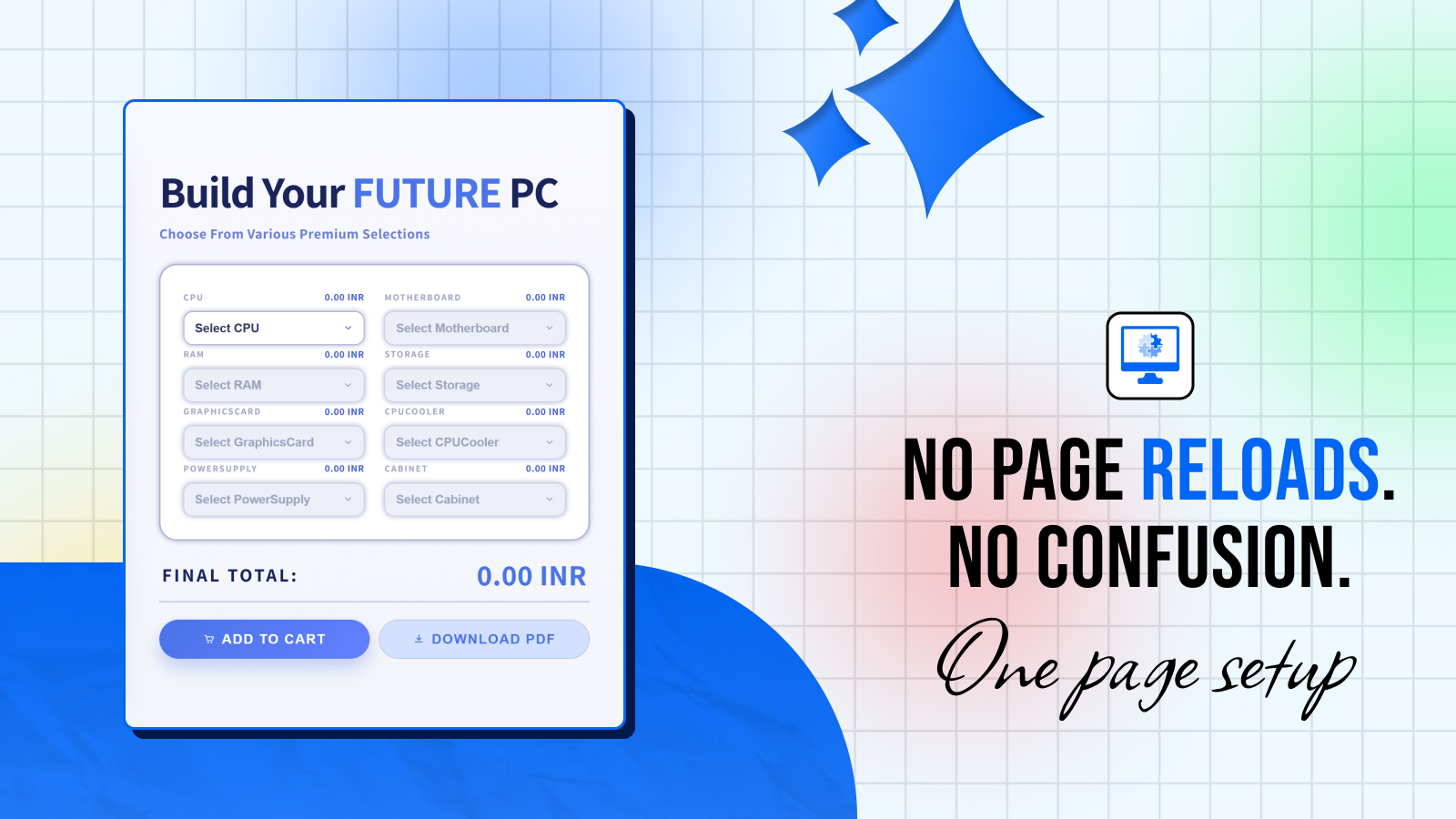
Click "Add to Theme" to add PC Builder as a Shopify section block. Drag it onto any page in the theme editor — homepage, a dedicated landing page, collection pages.
- Works as a Shopify section block — no code
- Embed on any page in your theme editor
- Lazy-loaded — zero impact on store performance
Track Orders & Analytics
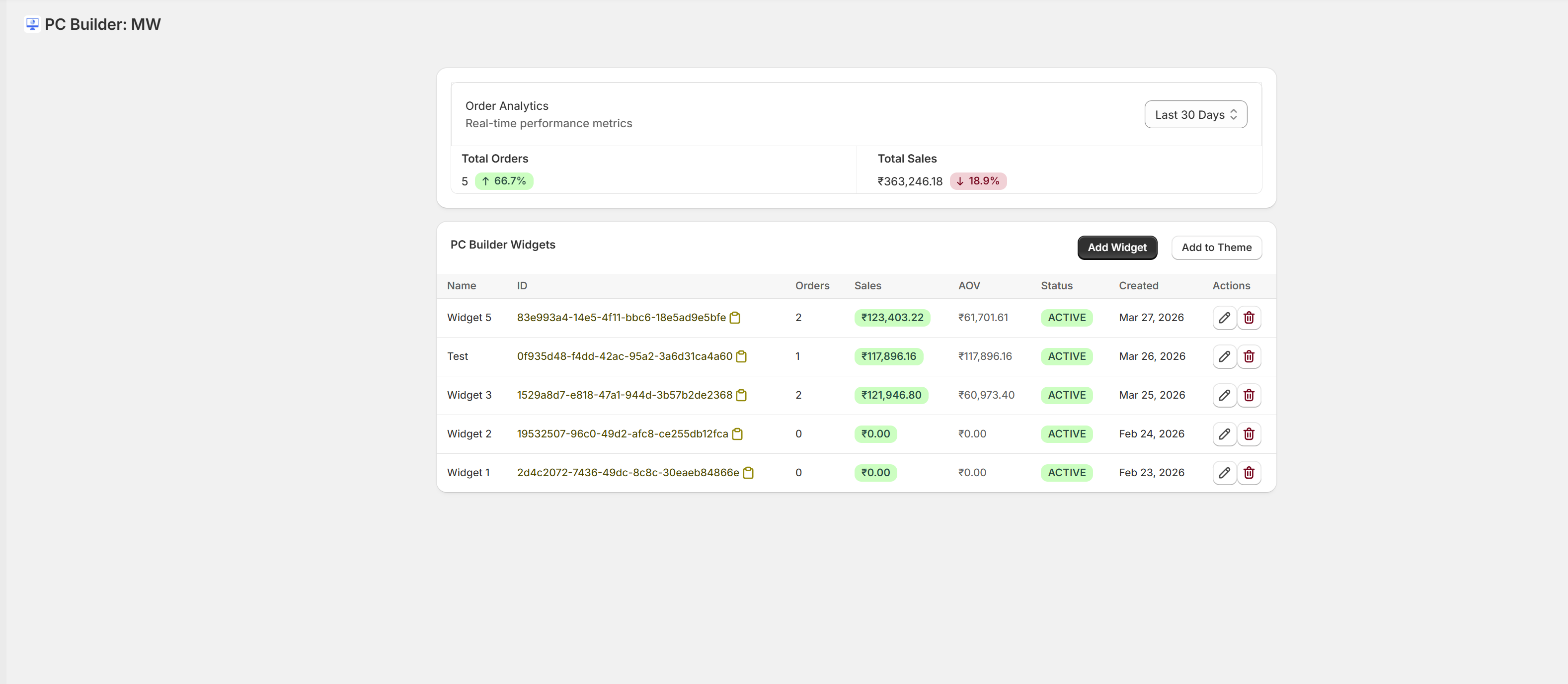
The analytics dashboard shows every build created, total sales, AOV, and order trends per widget. Use this data to optimize your catalog and marketing.
- Per-widget order and sales tracking
- AOV trends over time
- Most popular component combinations
Setup FAQs
Common questions about getting started with PC Builder MW.
Do I need to know how to code?
No. PC Builder MW is entirely no-code. Everything from setup to theme embedding is done through visual interfaces inside Shopify.
How long does initial setup take?
Most merchants go live in 15–30 minutes. Larger catalogs take longer — but the CSV import makes bulk setup fast.
Can I create multiple builders (e.g. gaming + workstation)?
Yes. Create as many widgets as you need. Each is independent with its own steps, products, and compatibility rules.
Does it work on mobile?
Yes. The configurator is fully responsive and optimized for mobile. Customers can build and checkout on any device.
What happens if a product goes out of stock?
Out-of-stock products are automatically hidden from the builder. When stock is restored, they reappear. No manual intervention needed.
Can I customize the compatibility rules after going live?
Yes. You can add, edit, or remove compatibility rules at any time. Changes take effect immediately.
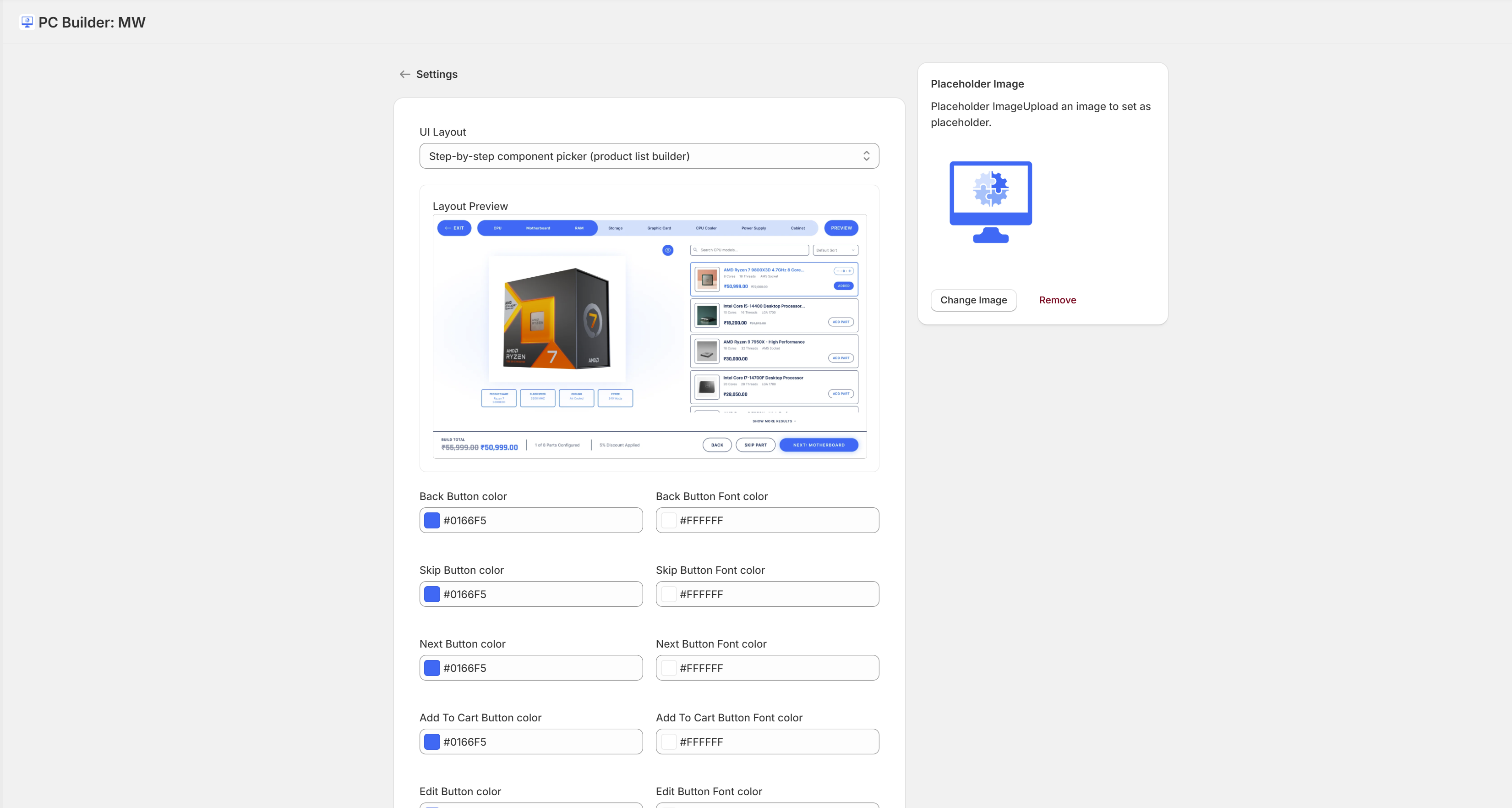
Powerful Admin Settings
Fine-tune every aspect of your builder from the settings panel — currency, branding, widget behavior, and notification preferences.
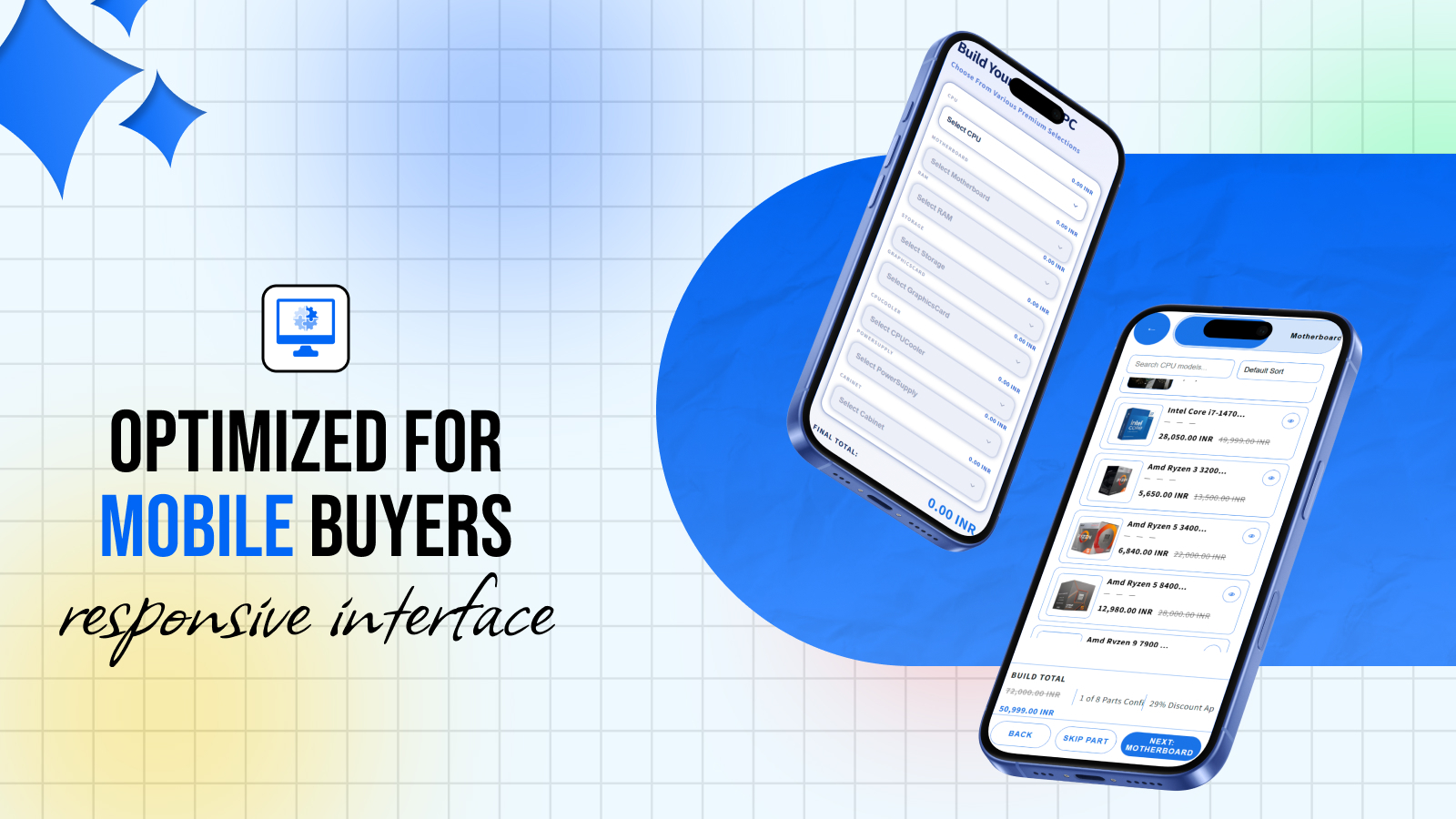
Flawless on Mobile
Over 50% of Shopify traffic is mobile. PC Builder MW is fully responsive — every step, every product card, and the checkout flow work perfectly on any screen size.
Ready to get started?
Install PC Builder MW on Shopify and follow this guide. You will be live in minutes.