Why PC Builders Drive Higher AOV
When a customer lands on your store and browses individual product pages, they might add one or two items. But when they use a PC configurator, something different happens: they're in build mode.
Once someone starts a PC build, they feel compelled to complete it. It's the same psychology behind shopping cart momentum — once they've invested time configuring, they want to finish. And finishing means buying every component.
This is why stores using PC Builder MW see an average 40% increase in order value within the first month.
The Bundle Effect
A customer buying a CPU and motherboard separately might spend $250. But a customer completing a full build — CPU, motherboard, RAM, GPU, case, PSU, storage — might spend $1,500 to $3,000+.
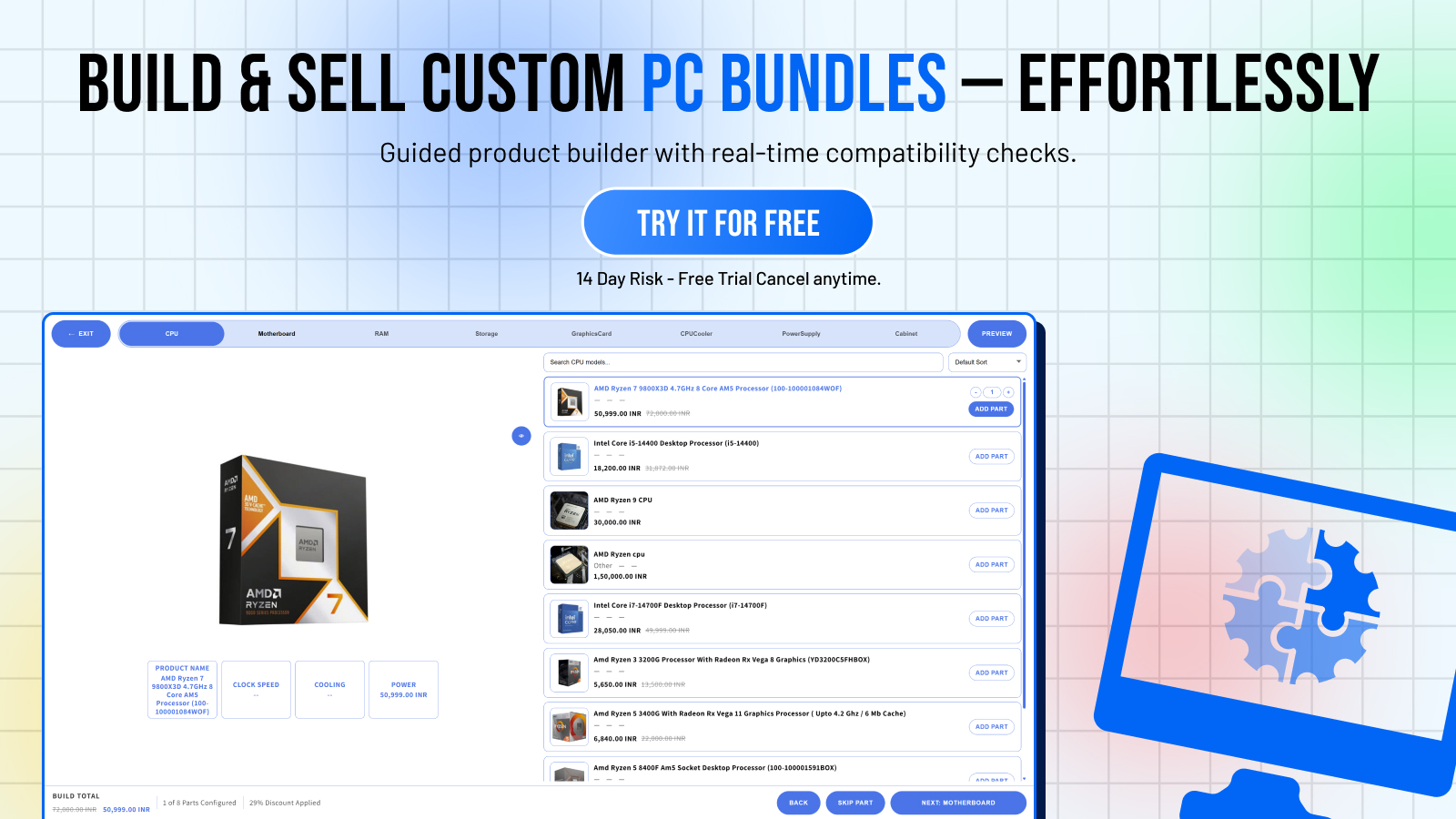
PC Builder MW makes it frictionless to build a complete system:
- Every step prompts the next component
- Live price total shows the build value accumulating
- One-click "Add All to Cart" removes any last-mile friction
- Pre-built templates give customers a starting point they can customize up
Strategies to Maximize AOV with PC Builder MW
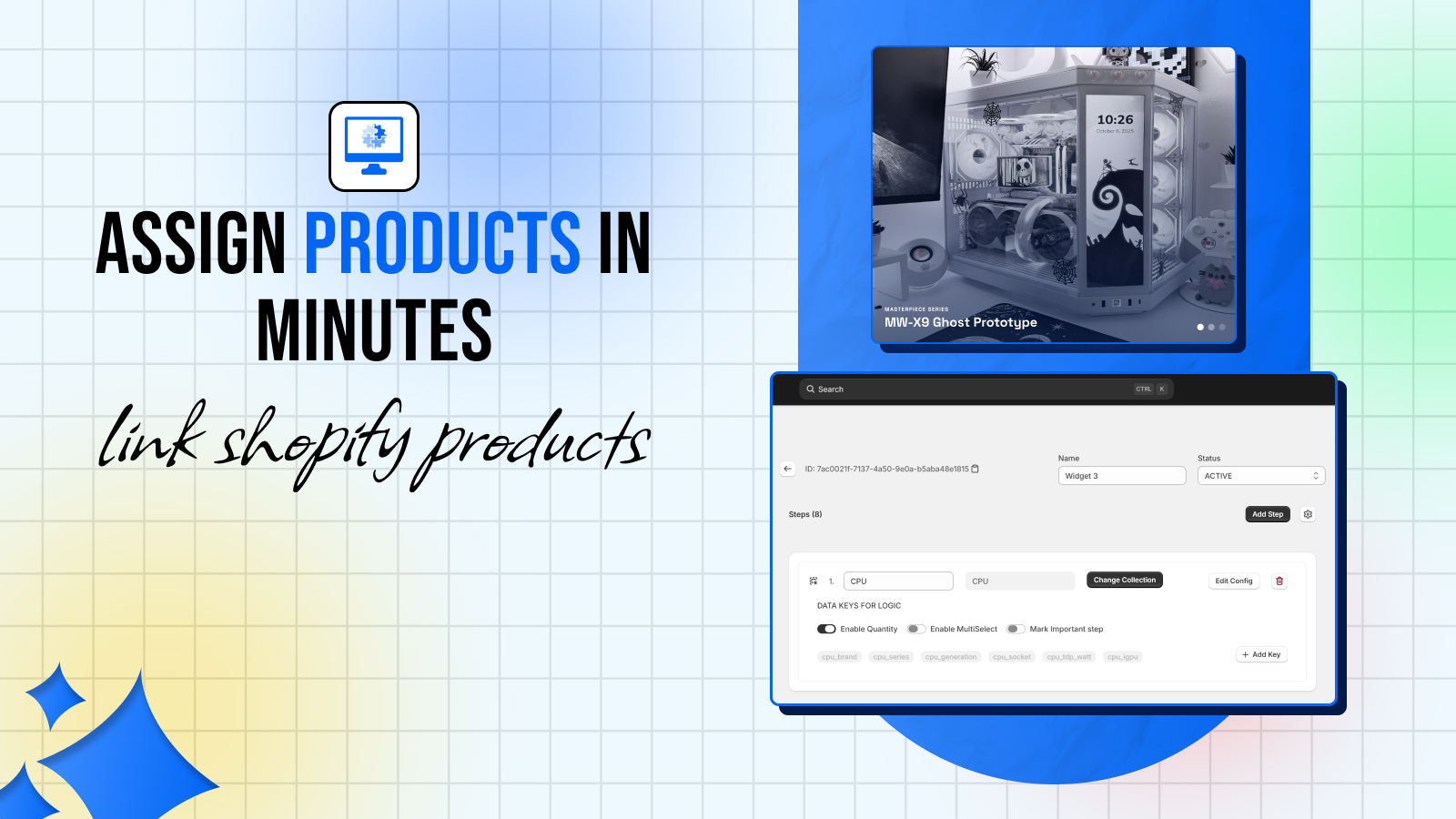
1. Create Upsell Steps
Add optional steps for peripherals, accessories, and add-ons:
- Monitor
- Keyboard & Mouse
- Headset
- OS License (Windows 11)
- Thermal Paste
- Cable Management Kit
- Extended Warranty
These are low-effort adds that increase basket size significantly. Mark them as optional so they don't block checkout, but make them visible.
2. Show Pre-Built Templates at Multiple Price Points
Offer 3-4 templates: Budget ($600), Mid-Range ($1,000), High-End ($1,800), Enthusiast ($3,000+). Customers almost always choose mid or high — the anchor effect of seeing the enthusiast build makes the high-end build look reasonable.
3. Use the AI Fill Feature
PC Builder MW's AI fill feature can auto-populate compatible component selections based on a budget or use case. Customers who use AI fill tend to select higher-value components because the AI optimizes for best value rather than cheapest options.
4. Enable Build Sharing
When customers can share their build via URL, they often share it in communities (Reddit, Discord) for feedback. Community members suggest upgrades — which the customer then adds to their build before ordering.
5. Track High-Value Builds with Analytics
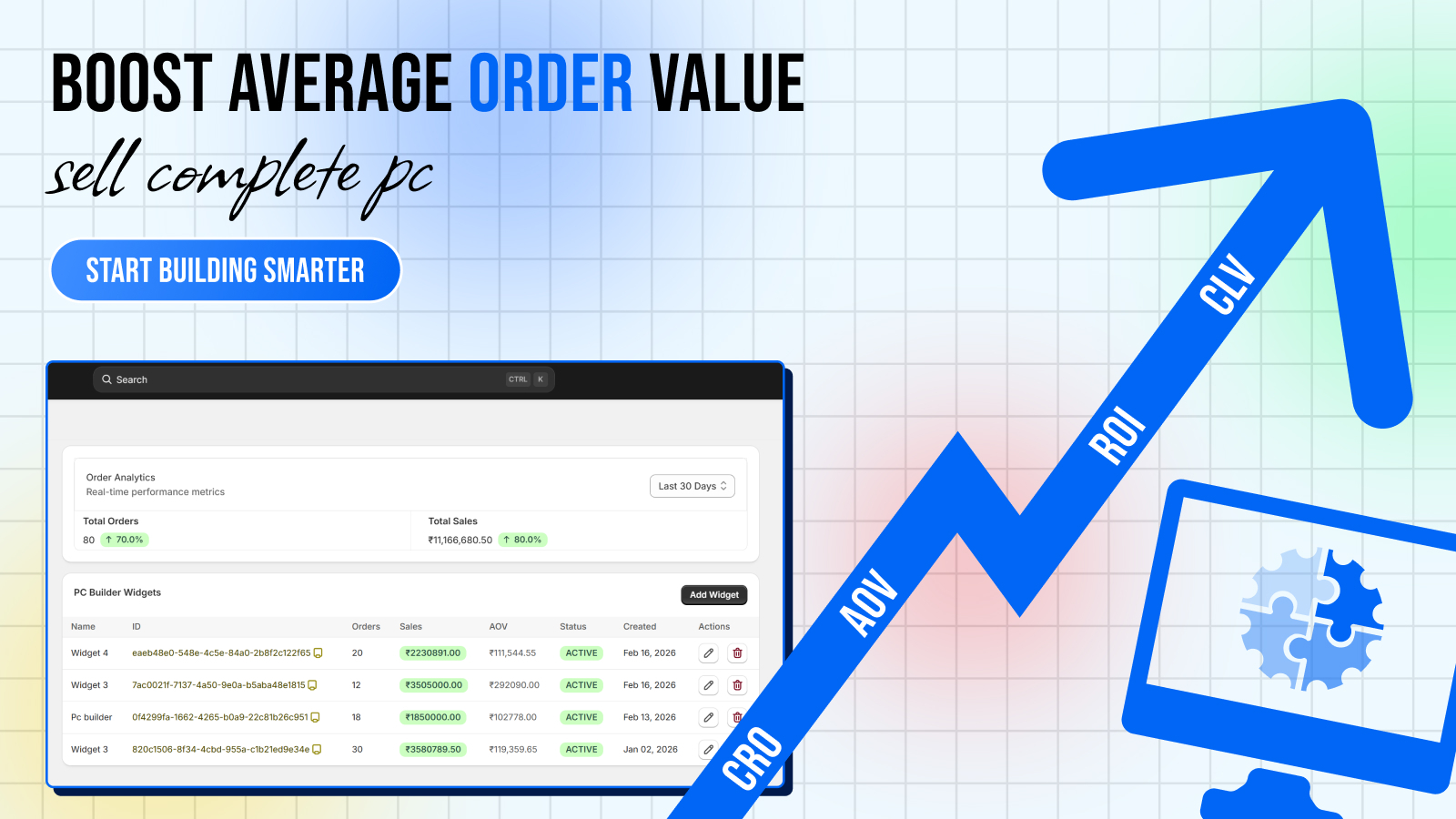
The analytics dashboard shows you every build created, the total value, which components are selected most, and which steps see the most drop-off. Use this data to:
- Stock more of your best-converting products
- Identify where customers abandon the build (and fix it)
- Create targeted ads around popular build configurations
Real Numbers from PC Builder MW Stores
Merchants using PC Builder MW consistently report:
- **Average order value**: 35–45% higher vs. individual product page purchases
- **Checkout completion rate**: 25% higher for builds vs. standard cart
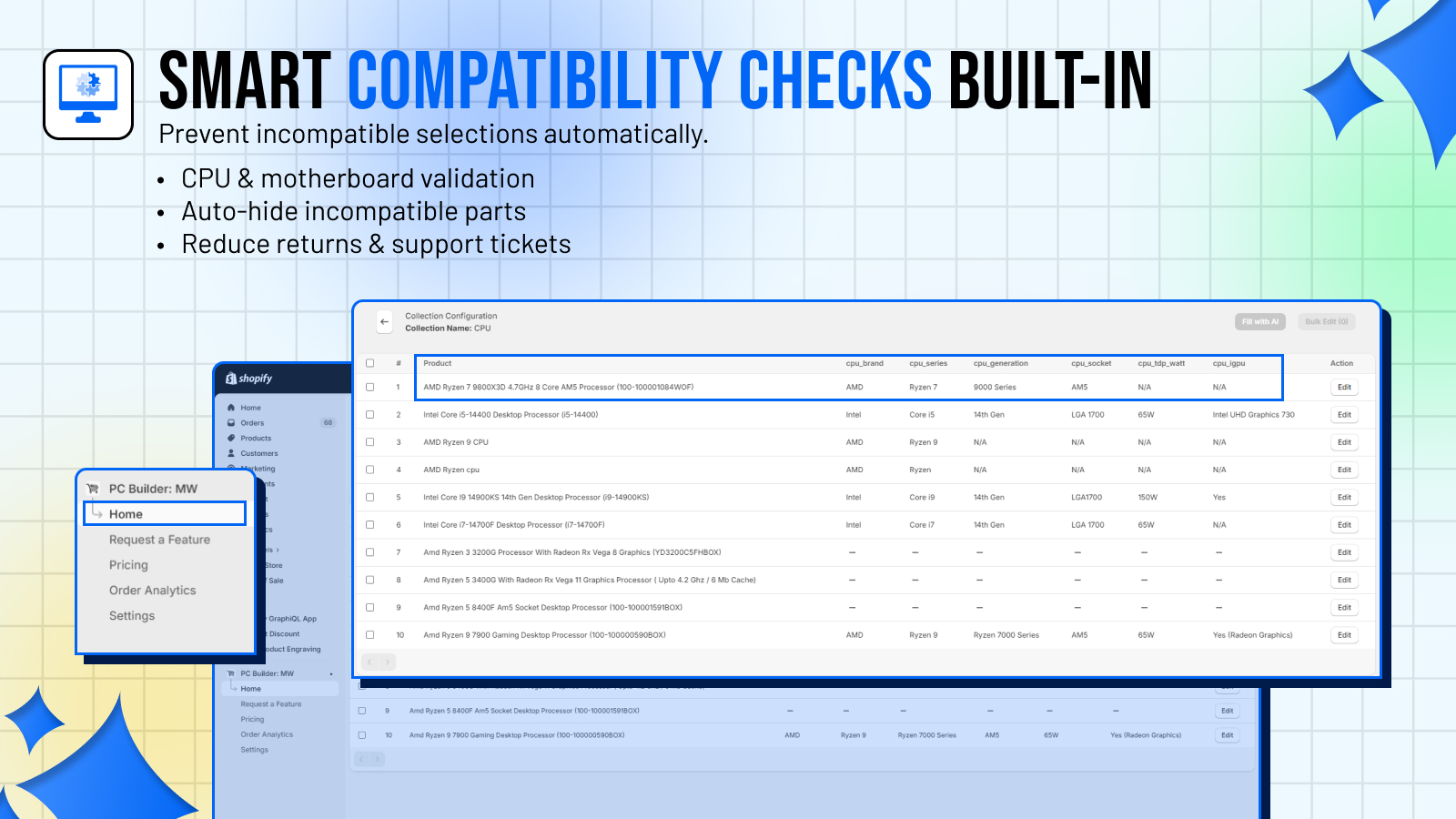
- **Return rate**: 40% lower due to compatibility validation
Start Building Revenue
The fastest path to higher AOV for a PC parts store isn't better ads or lower prices — it's giving customers the tools to build a complete system confidently.